You handle
- Venue and seating
- Promote to your community
- Run the screening
- Optional: discussion, action/resource partners, refreshments
We provide
- Film file + pre-show content
- Marketing templates
- Technical support
- Festival-wide promotion
OEFF uses a head-heart-hands model — films educate, stories create connection, and programming moves people toward action.
- Lift up your goals — Use the screening to launch or bolster your environmental or climate justice work
- Activate your community — Draw new visitors and deepen engagement with existing members
- Shared reach — Your screening joins festival-wide marketing to 10,000+ Chicagoland community members (and beyond)
- Action, not just entertainment — "Wrap" the film in discussions, panels, action tables — before, during, after
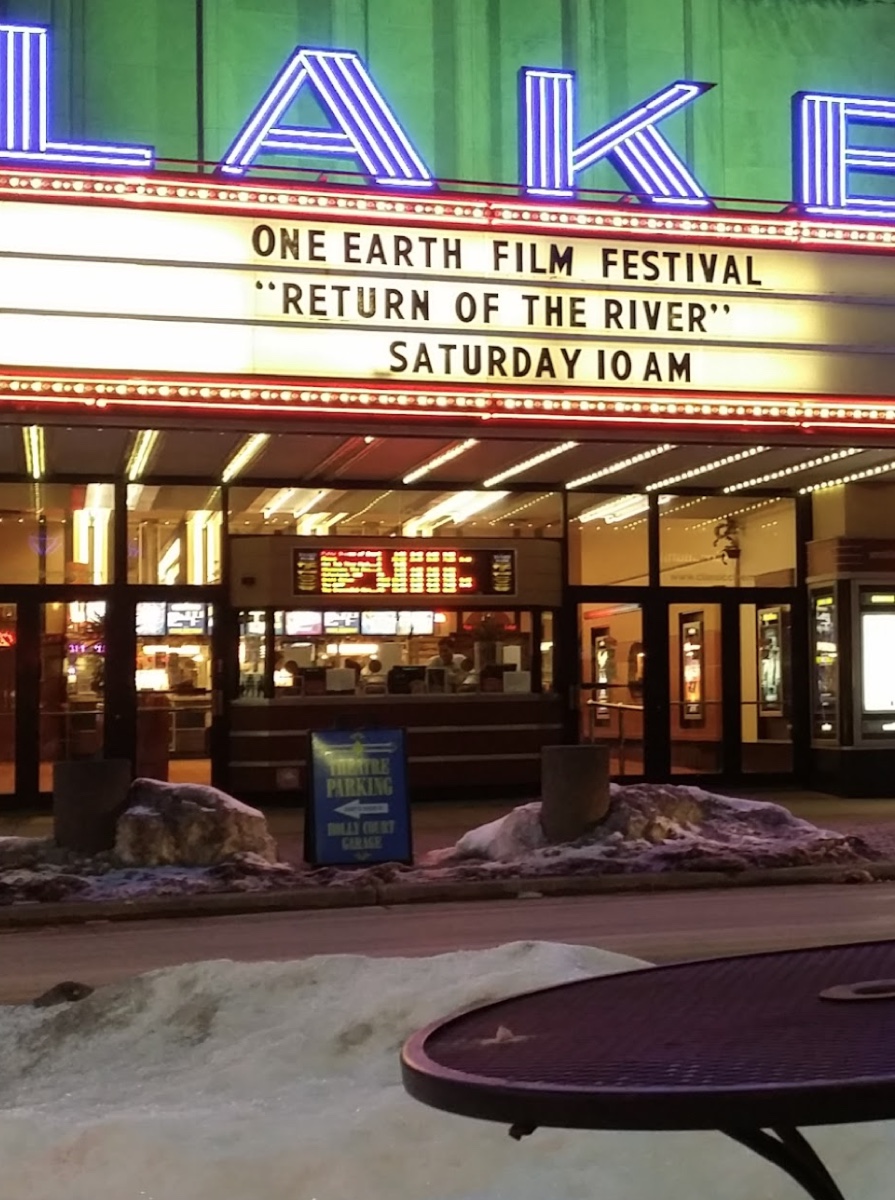
Past hosts include universities (Loyola, Northwestern, UIC), museums (Shedd, MSI, Peggy Notebaert), churches and faith communities, public libraries (Oak Park, Waukegan, CPL branches), theaters (Wilmette, Pickwick, Lake), breweries, community centers, nature centers, and school auditoriums.
If you have a space where 60+ people can watch a film together, we'd like to hear from you. Hosts can be located within or outside the Chicago region. First-time hosts are especially welcome.
Every host shapes their event differently. A few examples from past years:
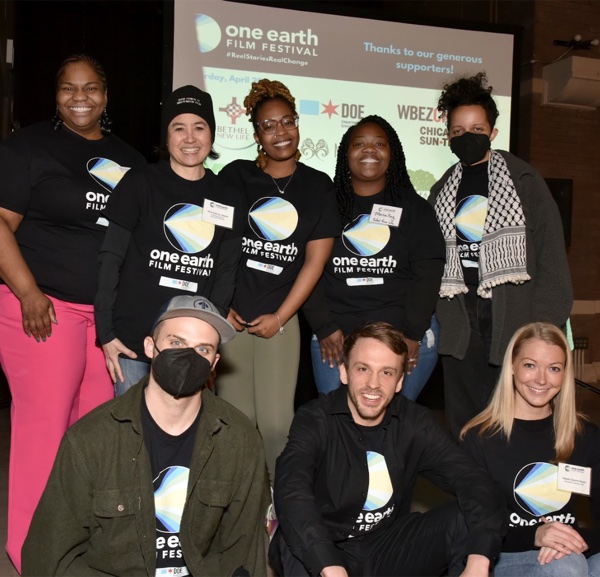
Post-screening dialogue brings stories to action
- Women of Carbon — Chicago Architecture Center hosted a panel with Studio Gang architects and women leaders in green building
- Going Circular — Loyola set up a lobby action fair with Collective Resource before the film, followed by faculty-led discussion
- A Plastic Ocean — Chicago Cultural Center opened with two environmental artists in the rotunda, then WBEZ's Shannon Heffernan facilitated discussion with Shedd Aquarium
- Bike films — Local cycling groups led community rides to the venue; CDOT and Divvy joined the post-film panel
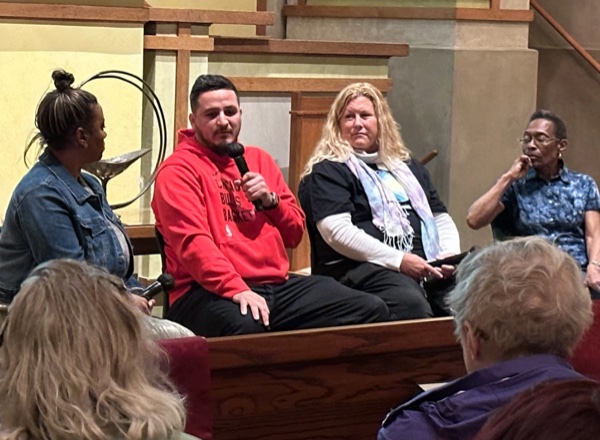
Every venue creates its own atmosphere
These range from simple (film + Q&A) to elaborate (pre-event activities + panel + action tables). Start where you're comfortable — we'll help you build from there.
Before the festival: 15-20 hours total — coordinating dates, promoting, reviewing tech setup. Plus 4 one-hour host webinars (Feb-Apr).
Day of: 60 min setup, 90-120 min screening, 15 min wrap-up.